
Mount. Burn. Done.
PowerISO is a safe and powerful ISO toolkit that lets you open, edit, compress, and mount disc image files with ease. From creating bootable USBs to backing up old CDs or running virtual drives, it handles it all. Simple yet feature-rich, it’s the go-to choice for managing ISO files.
Get to know the Advanced Features of PowerISO
Discover the unique and powerful advanced features that make PowerISO stand out. These features are designed to enhance your experience and provide added functionality.
Disc Image Management
Open, Create, Edit, and SavePowerISO lets users fully manage disc image files. You can open ISO files directly, create new ones from scratch, edit contents, and save changes seamlessly. This eliminates the need for multiple separate tools.
Bootable USB Drive Creation
Windows Installation MediaOne of its strongest features—PowerISO makes it easy to create bootable USB drives for Windows installation. No command-line tricks required; just load your ISO and burn it to a USB stick.
Format Conversion
Convert Between ISO, BIN, DAA, and MoreThe software supports converting between various image file formats such as BIN, NRG, CDI, and its own DAA. This ensures compatibility across platforms and tools.
Virtual Drive Mounting
Mount ISO Without Physical DiscsUsers can mount up to 23 virtual drives, allowing multiple ISOs to run simultaneously. This feature is highly useful for installing multi-disc software or playing older games.
ISO Compression
Save Storage SpaceLarge ISO files can be compressed into smaller DAA files, reducing storage requirements. Compressed files can also be split into parts for easier sharing.
Encryption & Password Protection
Secure Your ISO FilesPowerISO offers built-in AES encryption, enabling password protection on ISO files. This adds an extra layer of security for sensitive data.
Audio CD Ripping
Convert CDs to MP3/FLAC/WAVMusic lovers can use PowerISO to rip old audio CDs into modern formats such as MP3 or FLAC. It preserves quality while making collections digital.
Disc Copying
Clone CDs, DVDs, and Blu-raysUsers can directly duplicate physical discs into ISO or BIN formats. This is especially valuable for backing up software or media before discs degrade.
Direct Extraction
Open ISO Like a FolderISO contents can be extracted directly without mounting, making it feel like unzipping a compressed file. This saves time for quick access.
Disc Burning
Burn ISO to CD/DVD/Blu-rayPowerISO enables direct burning of ISOs and other formats to optical discs. It supports data discs, video DVDs, and audio CDs.
Shell Integration
Right-Click Explorer OptionsThe program integrates with Windows Explorer, allowing users to mount, burn, or extract images via the context menu without opening the full software.
Command Line Support
Automate Tasks with ScriptsPowerISO includes command-line options for advanced users who want to automate ISO operations, making it versatile for IT pros.
Multi-Session Burning
Add Data to Discs LaterUsers can burn discs in multiple sessions, adding new data later without overwriting the previous content.
Blu-ray Support
Handle High-Capacity DiscsBeyond CDs and DVDs, PowerISO supports Blu-ray discs, ensuring compatibility with modern high-capacity media.
Some Key Features of PowerISO
Explore the essential features of PowerISO that make it a top choice. These key features are designed to provide ease of use, efficiency, and versatility.
Bootable USB Creation
Quickly turn any ISO into a bootable USB drive—perfect for installing Windows or Linux without the hassle of DVDs.
ISO Editing
Open ISO files directly, make changes, and save them back instantly. No need to extract everything first.
Multiple Virtual Drives
Mount more than one ISO at a time, ideal for multi-disc software or large media projects.
Format Conversion
Convert BIN, NRG, and DAA files into ISO for universal compatibility.
Compression & Splitting
Shrink large ISOs into smaller chunks, making storage and sharing much easier.
Audio CD Ripping
Preserve your music CDs by ripping them into MP3 or FLAC formats.
Encryption & Passwords
Secure sensitive files by encrypting ISO images with a password.
Explorer Integration
Use right-click options for quick mounting, burning, or extraction—no need to launch the full program.
Lightweight and Fast
Despite its feature set, PowerISO runs smoothly on most systems without slowing them down.
Disc Copying
Clone entire CDs, DVDs, or Blu-rays into ISO files for backup or archiving.
Mount. Burn. Done.
PowerISO is a safe and powerful ISO toolkit that lets you open, edit, compress, and mount disc image files with ease. From creating bootable USBs to backing up old CDs or running virtual drives, it handles it all. Simple yet feature-rich, it’s the go-to choice for managing ISO files.
Explore more articles related to PowerISO
Here you will find all the latest tips and tricks about PowerISO . Also you will get many solution of problems which you may face while using this app.
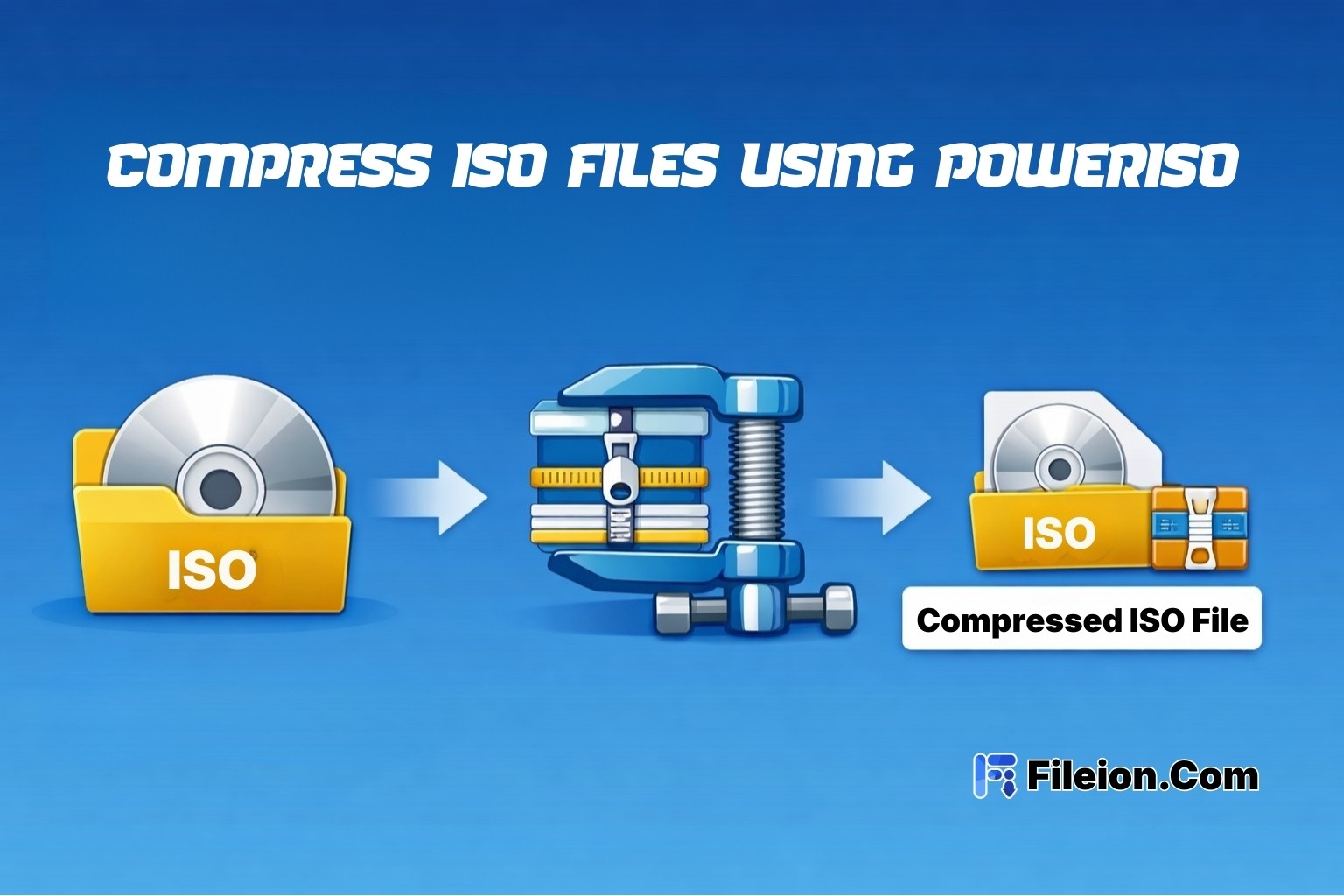
Published at: Mar 17, 2026
How to Compress ISO Files Using PowerISO
You just downloaded a massive ISO file. It's eating up your storage. And you need...
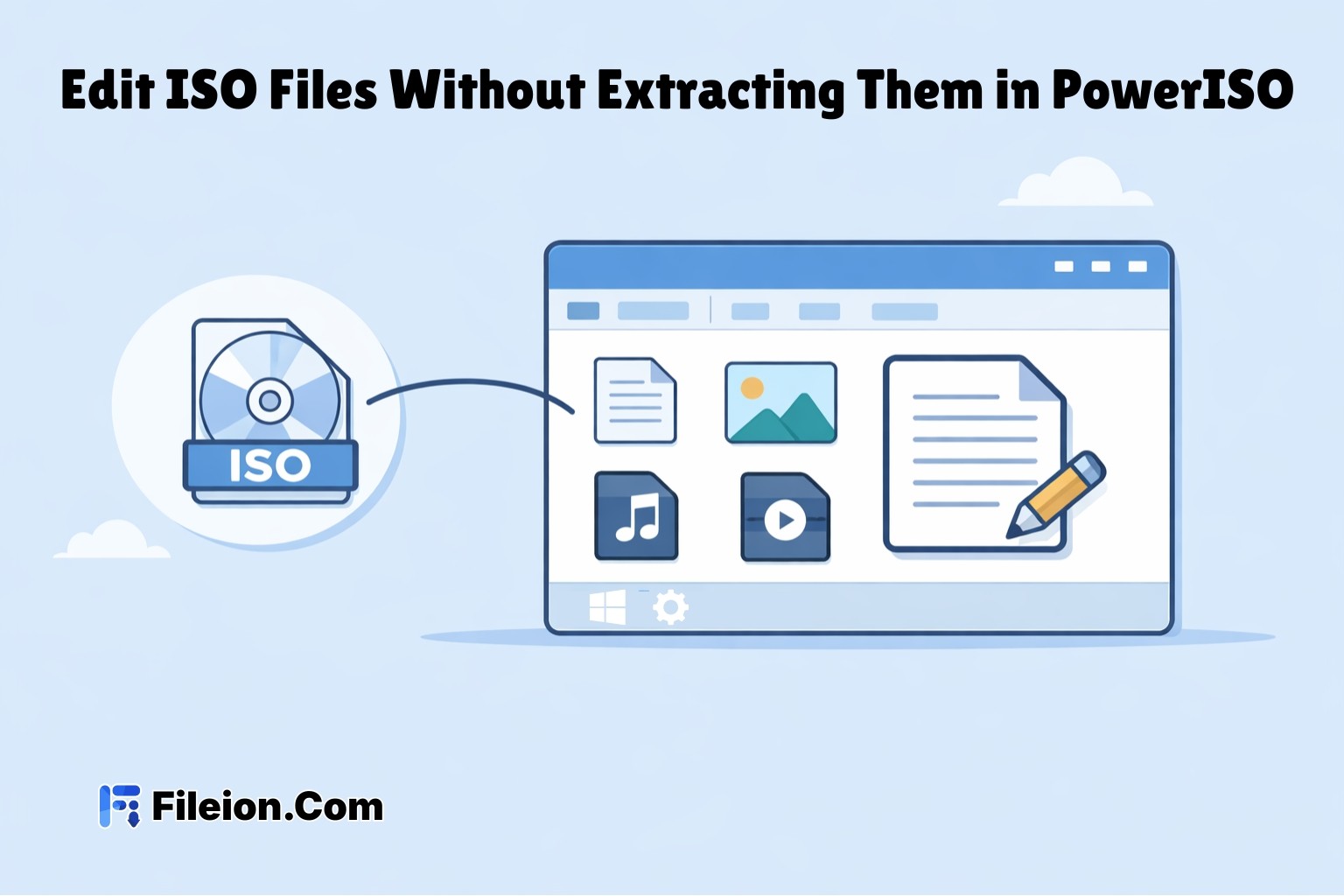
Published at: Apr 12, 2026
How to Edit ISO Files Without Extracting Them in PowerISO
You have an ISO file. You need to change one file inside it. But you do...
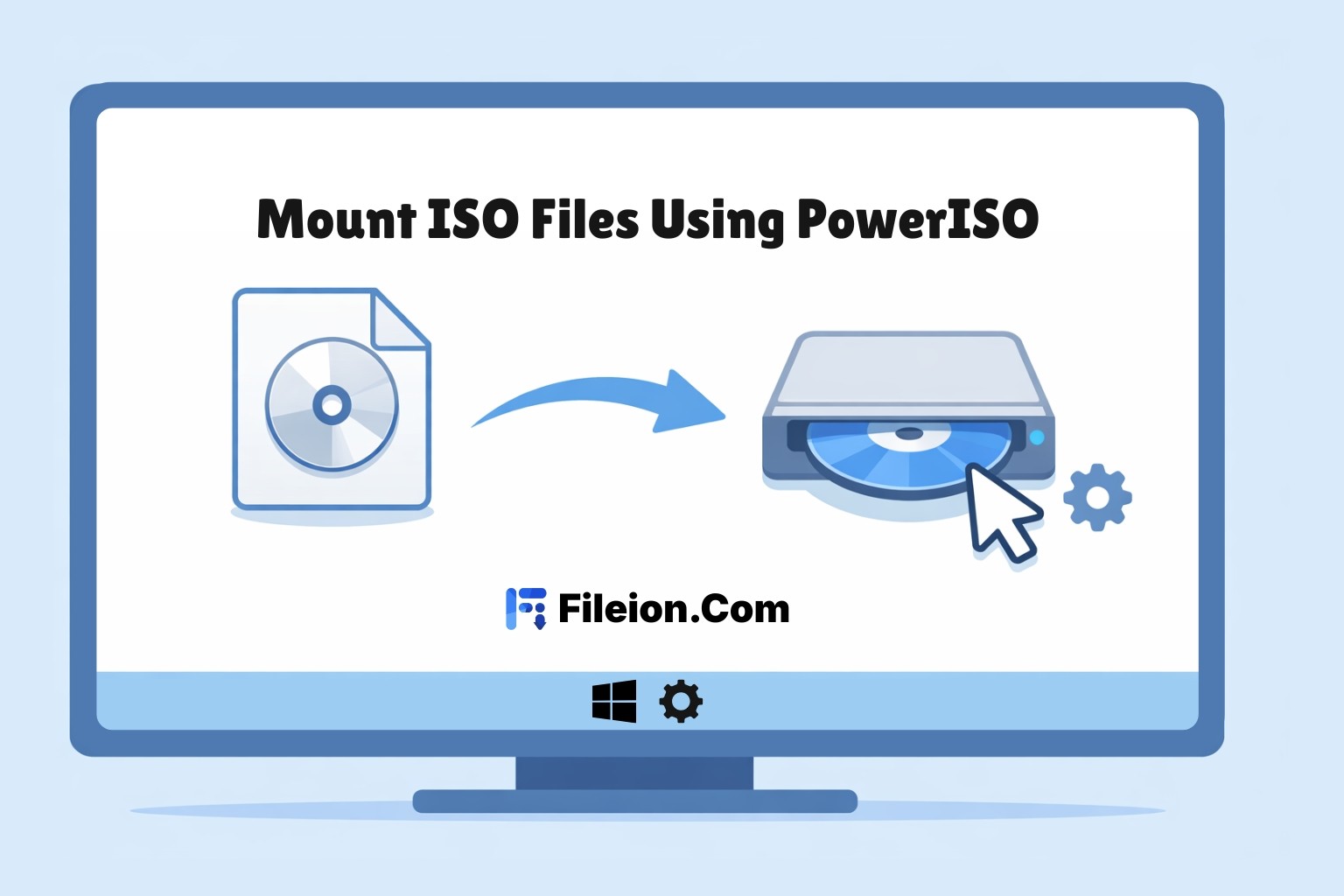
Published at: Apr 12, 2026
How to Mount ISO Files Using PowerISO
You downloaded a game, software installer, or operating system image. The file ends in .iso. Now...

Published at: Apr 17, 2026
How to Extract ISO Files Using PowerISO Without Errors
You downloaded an ISO file. Now what? Most users stare at the iso file and...

Published at: Apr 18, 2026
How to Convert BIN to ISO Using PowerISO
You have a BIN file on your desktop. You try to mount it. Nothing works. Sound...

Published at: Apr 20, 2026
How to Burn ISO to USB or DVD Using PowerISO
You just downloaded an ISO file. Maybe it is a Windows installer, a Linux distro,...

