Advertisement
Power Software Ltd. Free V 1.6
5.00

(1

)
|
137

Mount. Burn. Done.

Download PowerISO for macOS from Fileion to mount ISOs, burn discs, and create bootable USBs. Read reviews and get step-by-step install guides.

Write a review
Advertisement

PowerISO for Mac Description

PowerISO for macOS is available as a free command-line tool with limited features compared to Windows. The GUI is outdated and may not work reliably on newer macOS versions. Users can still mount ISOs, burn discs, and create bootable USBs, but advanced features like multi-drive mounting or full ISO editing are unavailable.

Key Features

PowerISO on macOS lets you mount ISO files as virtual drives, burn discs, and convert some image formats. You can create bootable USBs for installing Windows or Linux, rip audio CDs, and perform basic ISO editing. Advanced Windows features like multi-drive mounting or full encryption are not available.

The software integrates with Finder for basic right-click operations, making common tasks fast and straightforward. While it’s less feature-rich than Windows, macOS users can handle most everyday ISO management needs efficiently.

Usability & Performance

PowerISO on macOS is lightweight and easy to use. Mounting or extracting ISO files takes just a few clicks, and basic burning is straightforward. Performance is generally smooth, though larger ISO files may cause slight delays.

Advanced editing and multi-drive mounting are missing, so power users may find the macOS version limiting. For basic tasks—mounting, burning, and creating bootable USBs—it works reliably.

Cross-Platform Comparison

Compared to Windows, macOS lacks several advanced tools, including multi-drive mounting, full format conversion, and command-line automation. Linux users have even fewer features, but macOS retains a more user-friendly interface for casual ISO management.

Conclusion

PowerISO on macOS is suitable for casual users who need mounting, burning, or bootable USB creation. Advanced users may feel limited, but the software covers most common needs effectively. Always download from the official website to avoid outdated or unsafe versions.


Is PowerISO safe?

100 /100

Scan result: Clean

✔ Virus free ✔ Spyware free ✔ Malware free

Security verification powered by

VirusTotal
Last scan Sep 21, 2025
Scan source VirusTotal

Fileion security commitment

Every downloadable file on Fileion is regularly scanned and verified through trusted security partners to ensure a safe experience for users. Visit our Security & Trust Center to learn more.

Advertisement
Technical Details
APP Name: PowerISO
Latest Version: 1.6
License: Free
Publisher: Power Software Ltd. | View All (1)
Category: Disk utility software
Operating Systems: Mac
Language: English
File Name: poweriso-x64-1.6-osx.tar.gz
File Size: 0.97 MB
VirusTotal Scan Report: Check Report
VirusTotal Hash Code: d7a8c4629e543e80905e6257bb004f31beb567f716233acf2116ea10824747d7
Total Downloads: 137
Date Published: 18, Sep 2025
Date Modified: 22, Sep 2025
System Requirements

PowerISO System Requirements

  • Operating System : macOS 10.12 or later
  • RAM : 2GB RAM or More
  • Storage : 200MB free disk space
Advertisement
Platforms

Also Available for

Alternatives

Also, check the alternatives of PowerISO

Currently, no alternatives are available. But we will add some soon. Thank you for staying with us.

Articles

Explore more articles related to PowerISO

Here you will find all the latest tips and tricks about PowerISO . Also you will get many solution of problems which you may face while using this app.

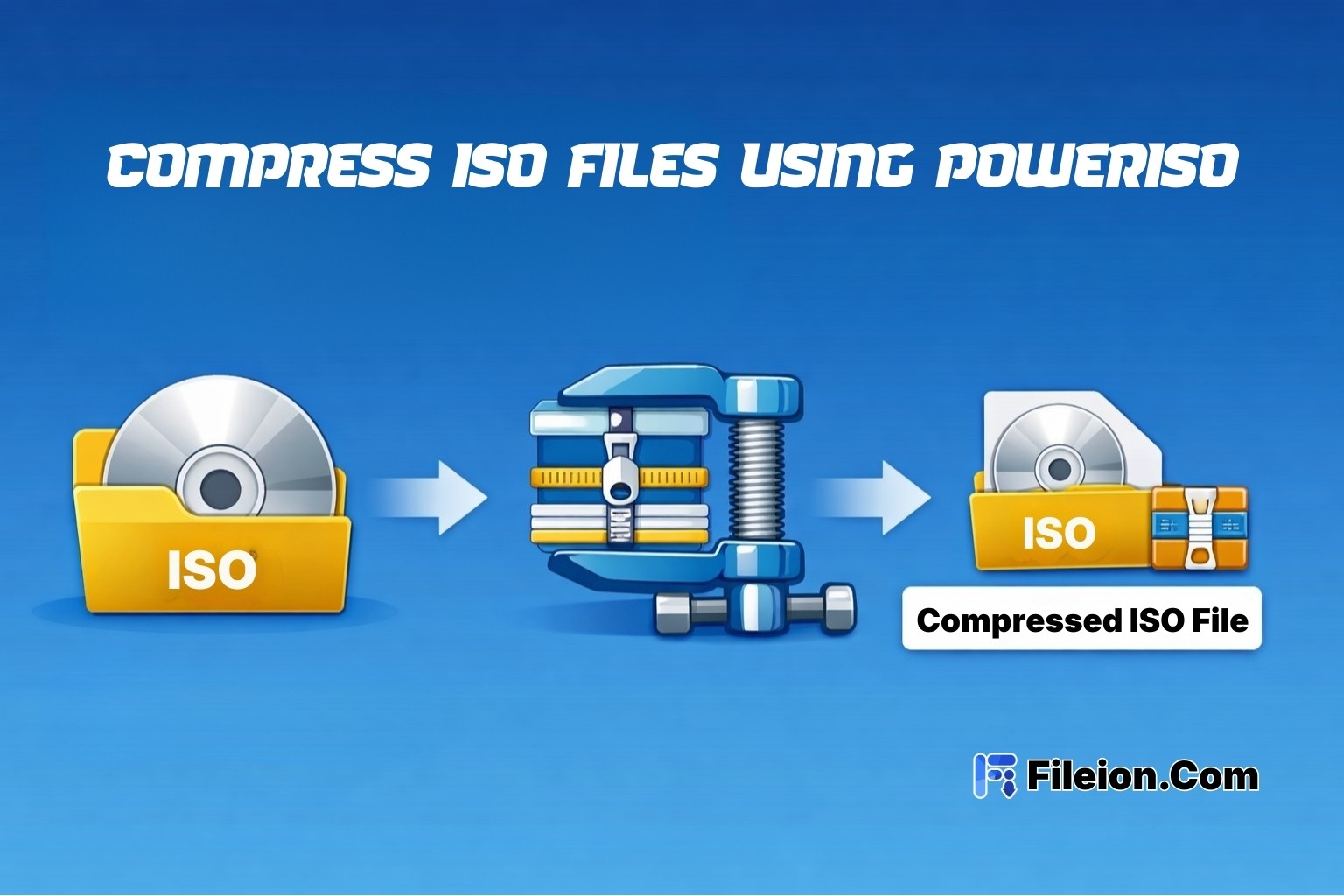
How to Compress ISO Files Using PowerISO - Fileion.Com

Published at: Mar 17, 2026

How to Compress ISO Files Using PowerISO

You just downloaded a massive ISO file. It's eating up your storage. And you need...

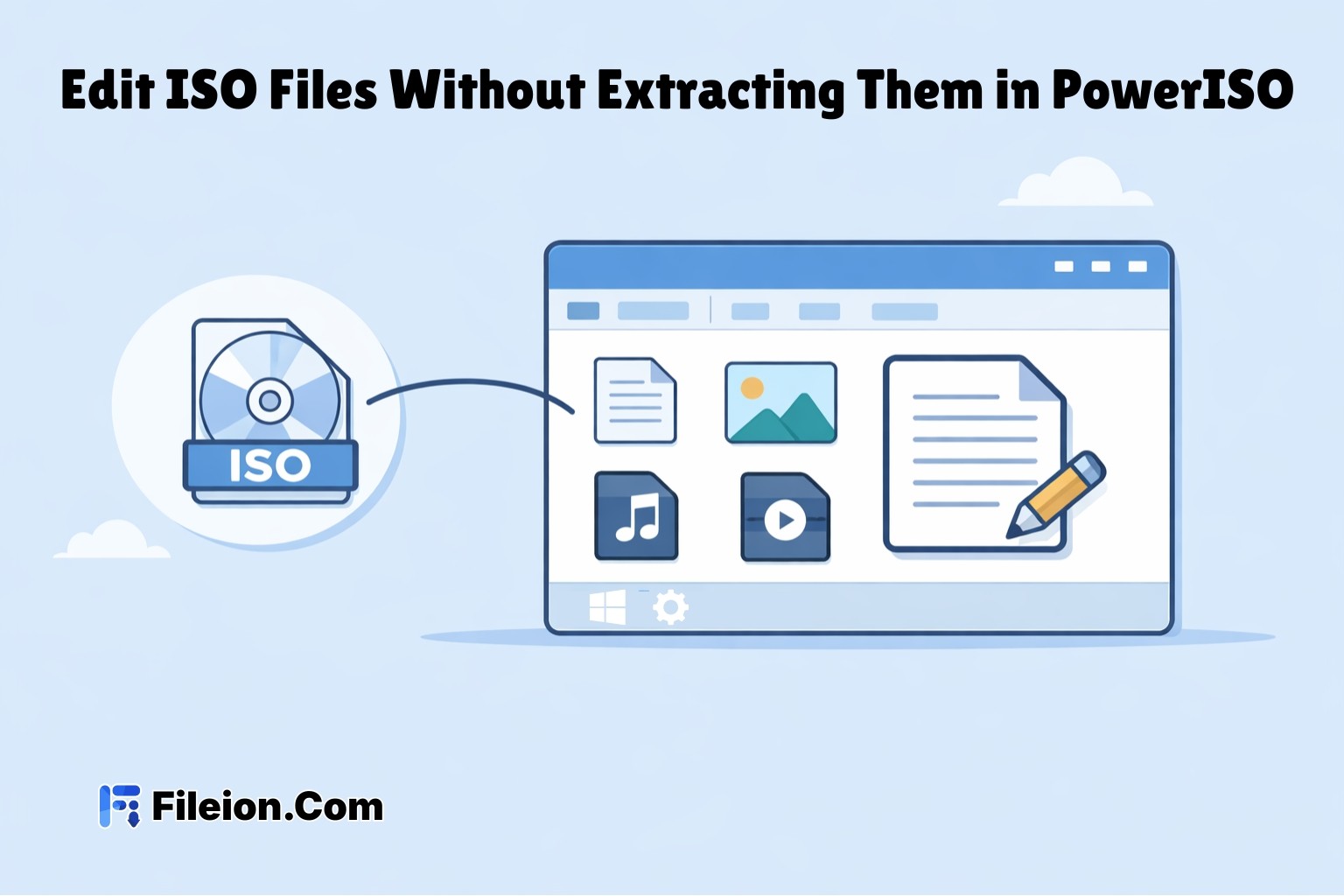
How to Edit ISO Files Without Extracting Them in PowerISO - Fileion.Com

Published at: Apr 12, 2026

How to Edit ISO Files Without Extracting Them in PowerISO

You have an ISO file. You need to change one file inside it. But you do...

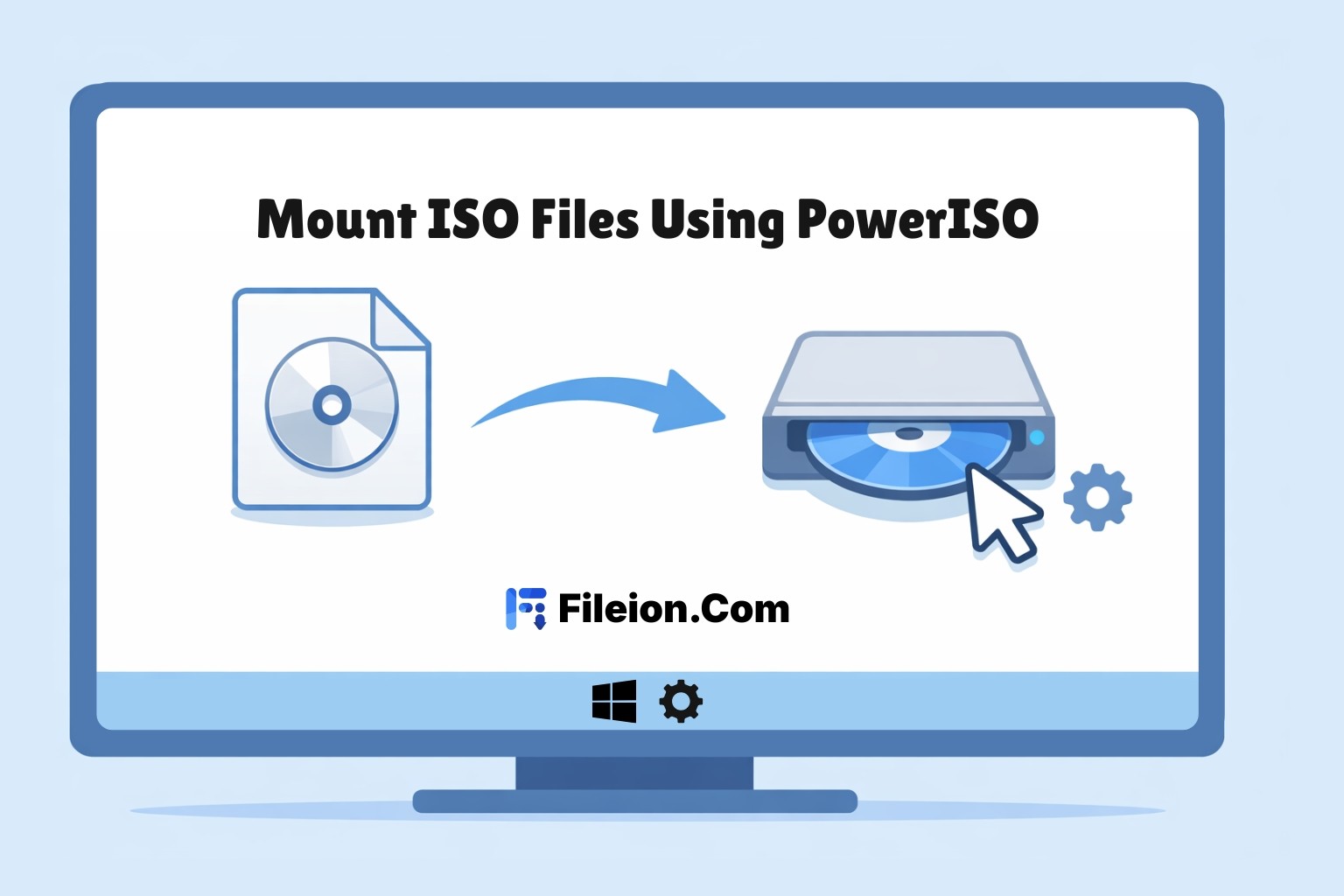
How to Mount ISO Files Using PowerISO - Fileion.Com

Published at: Apr 12, 2026

How to Mount ISO Files Using PowerISO

You downloaded a game, software installer, or operating system image. The file ends in .iso. Now...

How to Extract ISO Files Using PowerISO Without Errors - Fileion.Com

Published at: Apr 17, 2026

How to Extract ISO Files Using PowerISO Without Errors

You downloaded an ISO file. Now what? Most users stare at the iso file and...

How to Convert BIN to ISO Using PowerISO - Fileion.Com

Published at: Apr 18, 2026

How to Convert BIN to ISO Using PowerISO

You have a BIN file on your desktop. You try to mount it. Nothing works. Sound...

How to Burn ISO to USB or DVD Using PowerISO - Fileion.Com

Published at: Apr 20, 2026

How to Burn ISO to USB or DVD Using PowerISO

You just downloaded an ISO file. Maybe it is a Windows installer, a Linux distro,...

Comments

Let us know about your thoughts

Comments 0

No Comments Posted